
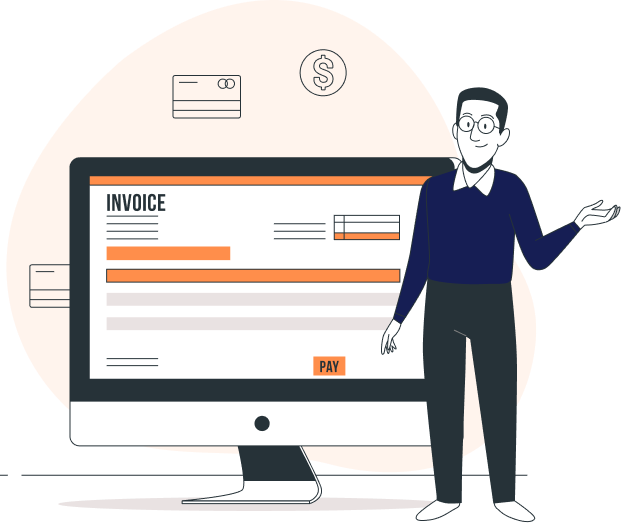
設定您首選的支付網關,並開始接受卡片付款以立即增加您的現金流。
自動提醒付款,按時收到付款。您也可以在收到付款時發送個人化的感謝信。
需要退款或調整多付的發票金額嗎?沒問題!只需建立貸項通知單併申請即可。
立即找出哪些客戶付款遲緩以及哪些發票已付款。同時產生詳細報告。
從我們的模板庫中選擇您最喜歡的主題,並在將其發送給客戶之前將其變成您自己的主題。
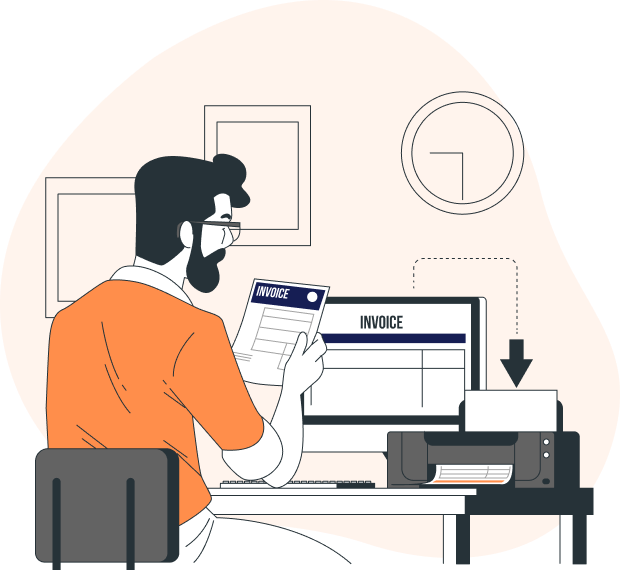
我們支援精美的發票模板,用於列印發票模板時使用。您可以透過此介面管理下載的發票格式。
以客戶的貨幣向其發送發票,進行基礎貨幣調整,並輕鬆分析重估餘額。
使用 Infy Invoice 可以輕鬆共享發票 - 建立副本、列印副本或簡單地透過電子郵件發送。
運行有關您的銷售、費用和稅收摘要的即時報告。



Infy Invoice has helped me structure my business by organizing the client details and monitoring late payments. Their mobile app is super simple and easy to use.
I've been using Infy Invoice for two of my small businesses for the last few years. It is the most customizable and user-friendly invoicing software I know of, with exceptional customer support.
Goes without saying, first impression of the customers matters a lot for any business. Be it showing how professional or reliable you are, it all starts with the first email you send.
Yes, you can. When you create an invoice, Infy Invoice will prompt all the unbilled expenses associated to the contact (as shown in the image below).
To convert an estimate to an invoice, follow the below steps. Click on the Estimates tab on the left pane. Select the the estimate you want to convert to invoice. Click on Convert to invoice.
Once you send a drafted invoice through Infy Invoice, its status is automatically changes to ‘Sent’. Alternatively, you can manually change its delivery status by following these steps.
Yes, you can. To add a new category, follow the steps mentioned below: Click on the Expenses module on the left sidebar. Click on the +New button.
輸入您的電子郵件以接收32Bill最新資訊。
Over past 10+ years of experience and skills in various technologies, we built great scalable products. Whatever technology we worked with, we just not build products for our clients but we a